How do you organize Pokémon cards in a binder?
There are three layouts collectors rely on, and you can mix them. Sort by set and card number for a clean, complete look, which is the backbone of a master set. Group by Pokémon type so each spread has a clear Fire, Water, or Grass theme. Or sort by the color of the card art to build rainbow pages that flow from one hue to the next. Pick the method that fits your goal, then keep the layout consistent across pages so the binder reads as one piece. Binder Builders lets you do all three: search by name to follow a set, tick a rarity box to gather your chase cards, or search by color and auto arrange a rainbow page. Plan it on screen first, then slot your real cards to match so you handle them as little as possible.
How do I sort a Pokémon binder by color?
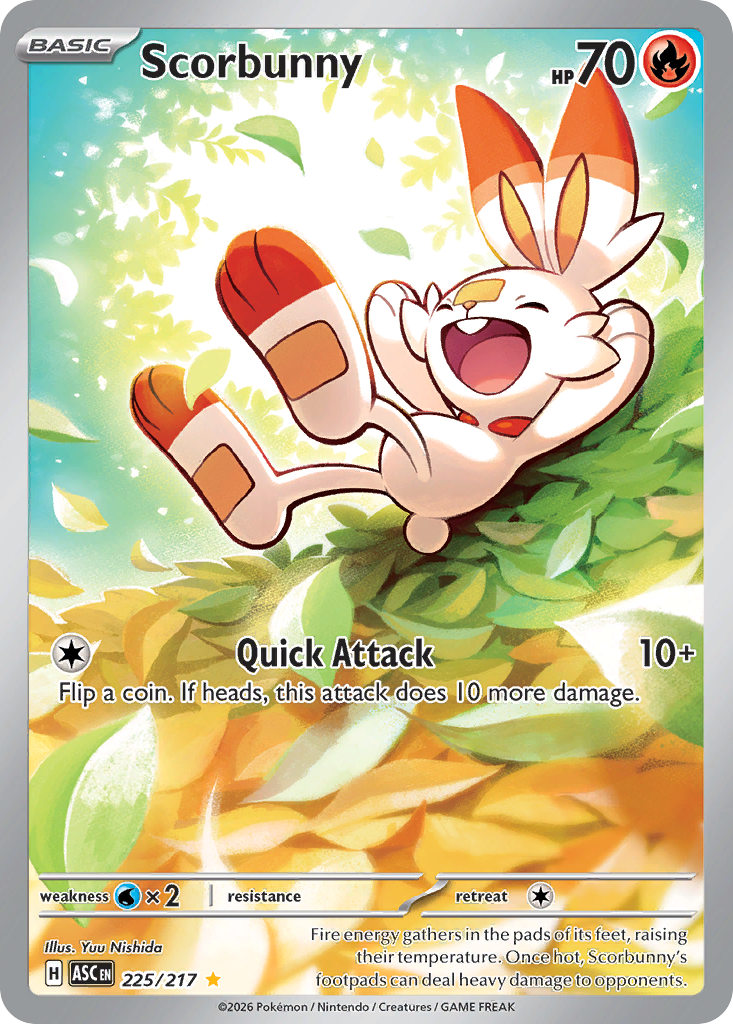
Sort by the dominant color of each card's artwork so the page moves smoothly from one hue to the next. The simplest approach is to split cards into warm tones (red, orange, yellow) and cool tones (green, blue, purple), then order each run from light to dark so there are no jarring jumps. Near white and near black cards work best as bookends at the start or end of a page. In Binder Builders you type a color such as light green or pastel pink, and it ranks cards by the real dominant color of the art, not just the Pokémon type. Drop the matches you like into a page, then press auto arrange and the whole page flows into a rainbow in one click. This is the look behind most satisfying binder flip videos, and it is the fastest way to make a page feel designed rather than random.
What is a master set binder?
A master set binder holds every card from a single set, not just the main numbered cards but also the reverse holos, secret rares, and other variants, usually arranged in set number order. It is the most complete way to collect a set and the most satisfying to flip through, because every pocket has a purpose and every gap shows you exactly what is missing. A typical modern Scarlet and Violet set runs from roughly 180 to 250 cards once you count every variant, so a master set can fill several binder pages. Binder Builders helps you plan one by searching a set, filling pages in number order, and adding pages as your collection grows. Because it tells you how many pockets and pages you need before you buy a binder, you avoid ending up with half a page empty or one card with nowhere to go.
What is a special illustration rare?
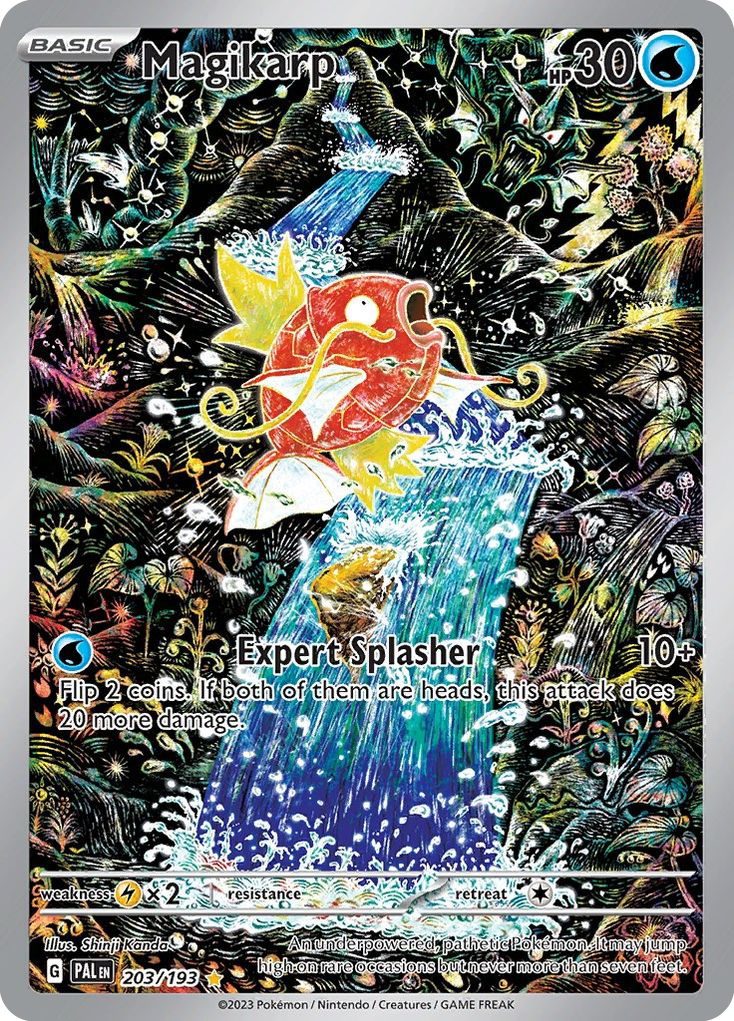
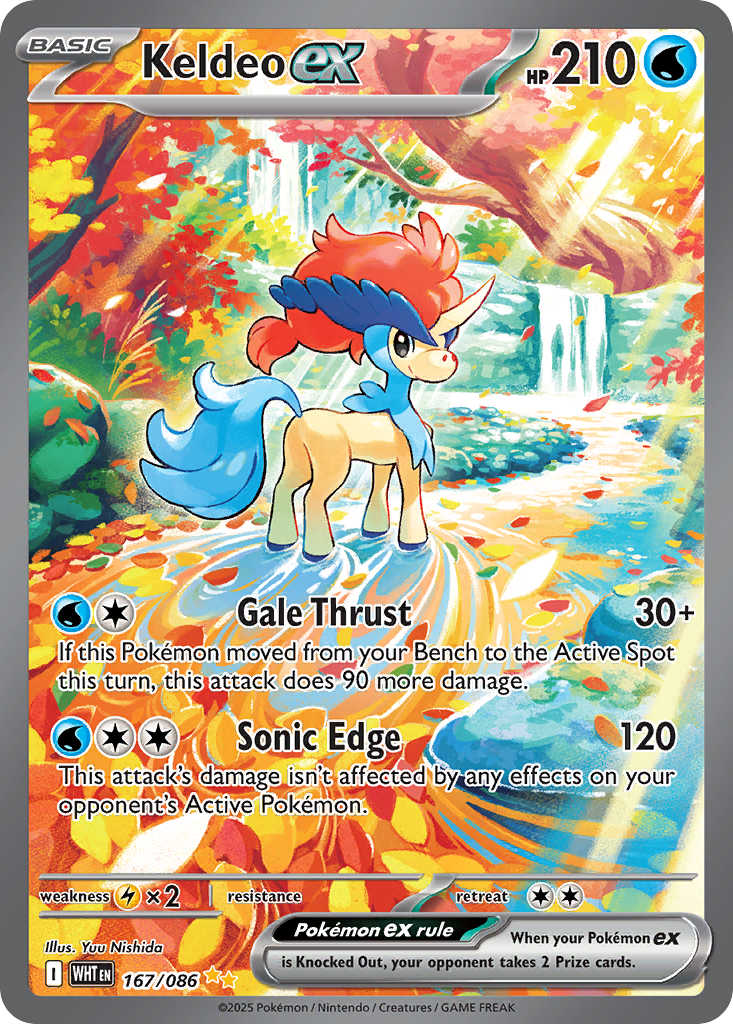
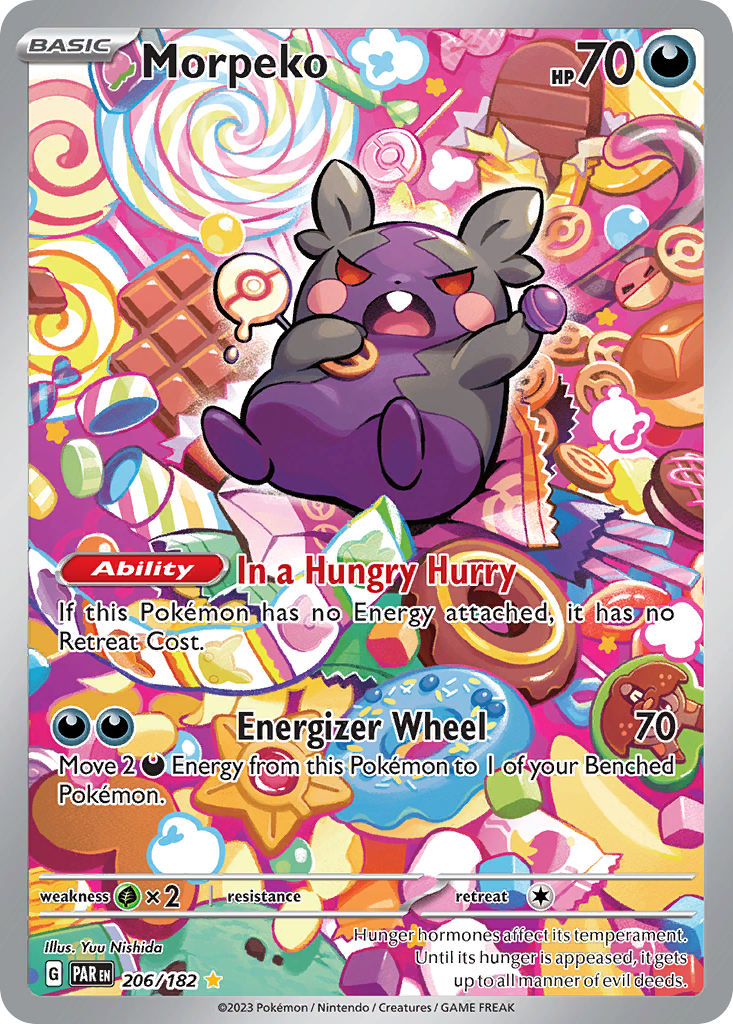
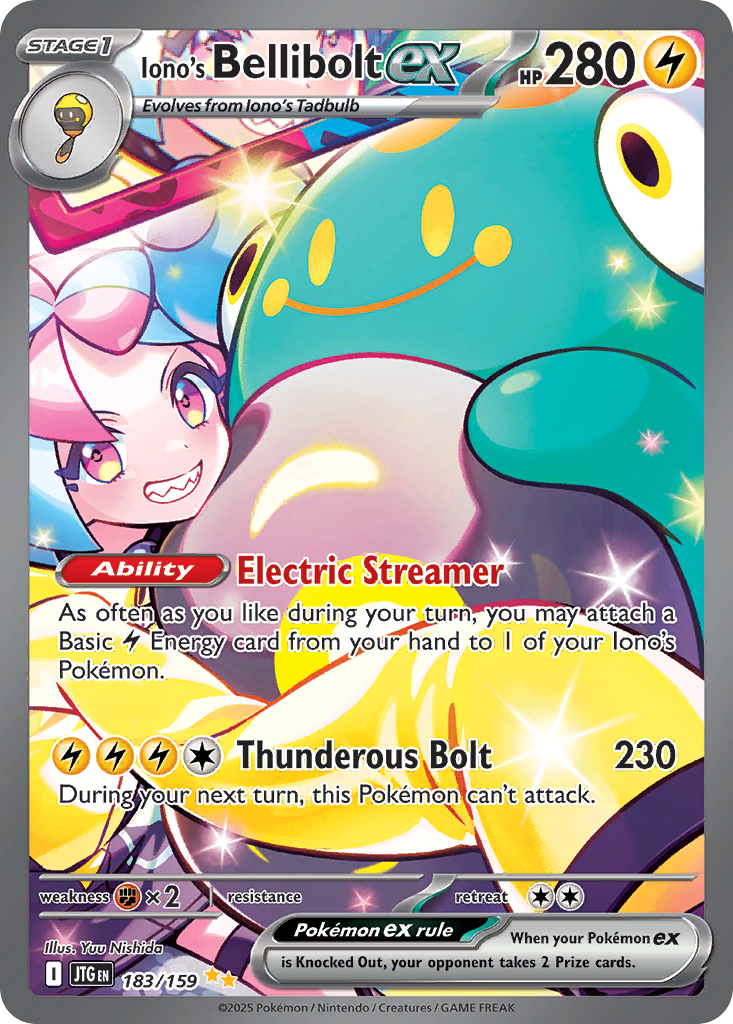
A special illustration rare, often shortened to SIR, is one of the most sought after card types in the modern Pokémon TCG. Introduced in the Scarlet and Violet era, these cards feature full art illustrations where the artwork extends across the entire card and the Pokémon appears in a detailed scene rather than a plain background. They are marked with a gold double star rarity symbol and sit above regular illustration rares in scarcity, which is why they often command the highest prices in a set on TCGPlayer. Collectors prize them because they are among the most visually striking cards ever printed, which makes them perfect centerpieces for a binder page. In Binder Builders you can filter your search to illustration rare and special illustration rare to pull exactly these cards, then build a page that shows off the art.
Who are the best Pokémon card artists?
Pokémon cards are illustrated by dozens of artists, and a handful have become favorites among collectors. Mitsuhiro Arita drew much of the original 1999 Base Set, including the Charizard that defined the hobby. Ken Sugimori is the original Pokémon character designer and illustrated many early cards. The studio 5ban Graphics produced a long run of full art and secret rare cards through the modern era. Newer names like Yuu Nishida, Tomokazu Komiya, and Saya Tsuruta are known for expressive, scene driven illustrations that collectors chase. Once you know an artist's style you start spotting their cards everywhere, and an artist binder page is a fun way to collect them together. Our weekly card art blog features a different illustrator and showcases their best work, so it is a good place to find an artist worth collecting.
Are Pokémon cards safe in a binder?
Yes, as long as you use the right kind of binder. Look for side loading pockets made from archival material that is acid free and PVC free, so the cards do not curl, fade, or get sticky residue over time. Side loading pockets keep cards from sliding out if the binder is held upside down, and a cover with an elastic strap or zip closure protects the edges from dings. Avoid older magnetic or adhesive album pages, which can damage cards permanently. The other tip that saves wear is to plan your layout before you sleeve anything, because most edge damage happens from sliding cards in and out while you rearrange. Binder Builders lets you design and reorder the whole page on screen first, so when you finally place the real cards, you place each one once.
Is Binder Builders free?
Yes, Binder Builders is completely free to use, with no account, no download, and no paywall. It runs in your web browser and saves your binders on your own device, so you can start designing a page in seconds and come back to it later. There is nothing to install and no sign up wall between you and the editor. Every feature is available to everyone: the full pocket layouts, name search, color search, rarity filters, auto arrange, page export, and the live TCGPlayer values on each card. The card images and data come from public Pokémon TCG sources, and each card includes a buy link to its TCGPlayer page if you decide to pick it up for your real binder. If that ever changes we will say so clearly, but the core builder is free and meant to stay that way.
Do I need to download anything or sign up?
No. Binder Builders is a web app, so you just open it in any modern browser on a laptop, tablet, or phone and start dragging cards into pockets. There is no app to install, no account to create, and no email required before you can use it. Your binders are stored locally in your browser using built in browser storage, which means they are saved on your device and are there when you return, without anything being uploaded to a server. Because there is no login, there is also nothing to forget and no inbox to clutter. If you want to move a binder to another device, you can export your pages as images to keep or share. The whole point is to remove every step between having an idea for a page and seeing it come together.
Can I export my binder as images?
Yes. Every page in your binder exports as its own image file, so a full binder becomes a set of clean pictures you can use however you like. Save them as a visual checklist to take card shopping, print a page as a placement guide while you sleeve your real cards, or post your layout to show other collectors. The export captures exactly what you designed: the cards, their order, and the page background, without any of the editor controls. Because each page exports separately, you can share a single standout page or the entire binder. This is one of the most popular ways people use Binder Builders, since it turns a digital plan into something you can actually reference at the table or online. Exports happen right in your browser, so nothing is uploaded and the images are yours to keep.
Where do the card images and prices come from?
Card images, names, sets, rarities, and artists come from the public Pokémon TCG card database, the same well maintained source many collector tools use, so what you see in Binder Builders matches the real printed cards. Each card also shows its current market value from TCGPlayer, the largest marketplace for Pokémon cards in the United States, which gives you a quick sense of what a page is worth as you build it. Every card includes a buy link that opens its TCGPlayer product page, so if you are planning a page and want to fill a gap, the card is one tap away. Prices move over time and are shown as a recent market figure rather than a live quote, so always confirm the current price on the marketplace before you buy. The data refreshes regularly to stay close to the real market.